
Chiptuning tool
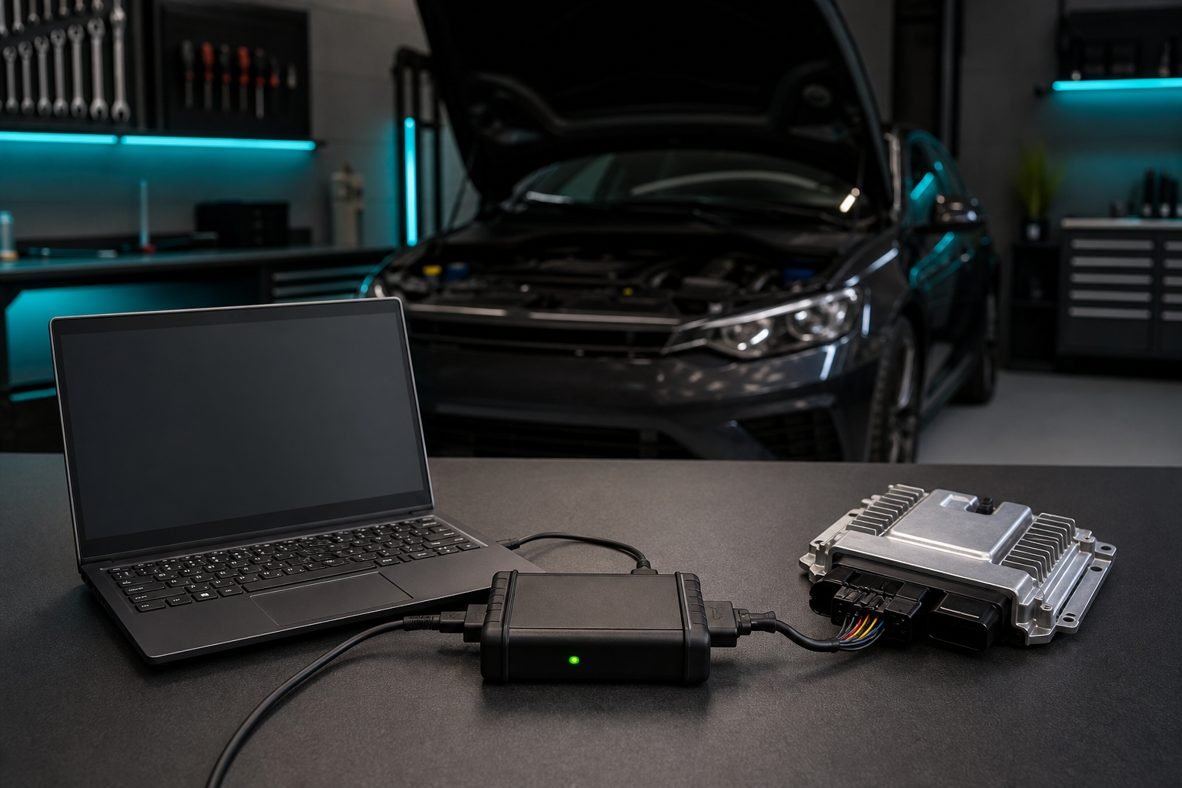
Key points: Alientech K-TAG chiptuning
- Open Alientech K-TAG chiptuning in the vendor list for this exact family — not a neighbour protocol.
- If OBD is not listed, it is a bench or boot job.
- Checksum correction must be on before Write. Store a virgin dump first.
Alientech K-TAG is a Alientech interface used for reading and writing ECU (and sometimes TCU) flash. Connection modes: bench, boot, BDM.
Where the product stands now
K-TAG is still the Alientech opened-ECU specialist: boot, BDM and service mode. KESS3 now overlaps some bench protocols, but K-TAG remains the recovery tool when the ECU is silent.
What it is for
Bricked Tricore, PCR2.1, SID and ME7 units that need a PCB connection.
How to choose a protocol
- Pick the vehicle and the ECU family in the vendor software — do not start from a generic ‘Bosch diesel’ script
- Read the cable and power notes for that protocol before you plug in
- If OBD is greyed out, that is a bench or boot job, not a ‘force OBD’ job
- After a failed write, switch to the vendor’s recovery / boot procedure
Original files
Whatever the tool, archive a virgin dump. ecuflashfiles.com sells original files by software number when the dump is in the library. Remaps are a different site.
Original dumps sold on ecuflashfiles.com are for restore, comparison and workshop use. Stage 1 and delete work belongs on ecufilemarket.com. In some regions DPF off, EGR off, OPF / GPF off, SCR / AdBlue and even Stage 1 may be used only on off-road and competition cars. Confirm the law where the vehicle is registered.
FAQ: Alientech K-TAG chiptuning
Does Alientech K-TAG chiptuning work on every car?
No. Coverage is the vendor vehicle list plus the ECU family. If the protocol is missing, change tool or mode — do not force OBD.
OBD, bench or boot — which first?
OBD when listed and the car still communicates. Bench when OBD is grey. Boot when the ECU is silent or the write failed.
Where should I store the original dump?
On the work order and, when you need a matching virgin file, on ecuflashfiles.com by software number.